
Download Shortcuts
Download and install Moire Config and Moire Sync Shortcuts
Moire uses four iOS Shortcuts to perform the sync function.
Shortcuts will be iterated irregularly to fix bugs and add new features. It is recommended to download and replace the old Shortcuts every once in a while to get the best experience.
Download Links
Section titled “Download Links”1. Moire Config
Section titled “1. Moire Config”Purpose: Stores your GitHub configuration information (Username, Repository Name, Token).
Download Moire Config
2. Functional Components
Section titled “2. Functional Components”These two Shortcuts handle data conversion and uploading functions.
3. Moire Sync (Main Entry)
Section titled “3. Moire Sync (Main Entry)”Purpose: The main program that syncs note content to GitHub.
Download Moire Sync
Installation Steps
Section titled “Installation Steps”-
Download and install the 4 Shortcuts listed above.
-
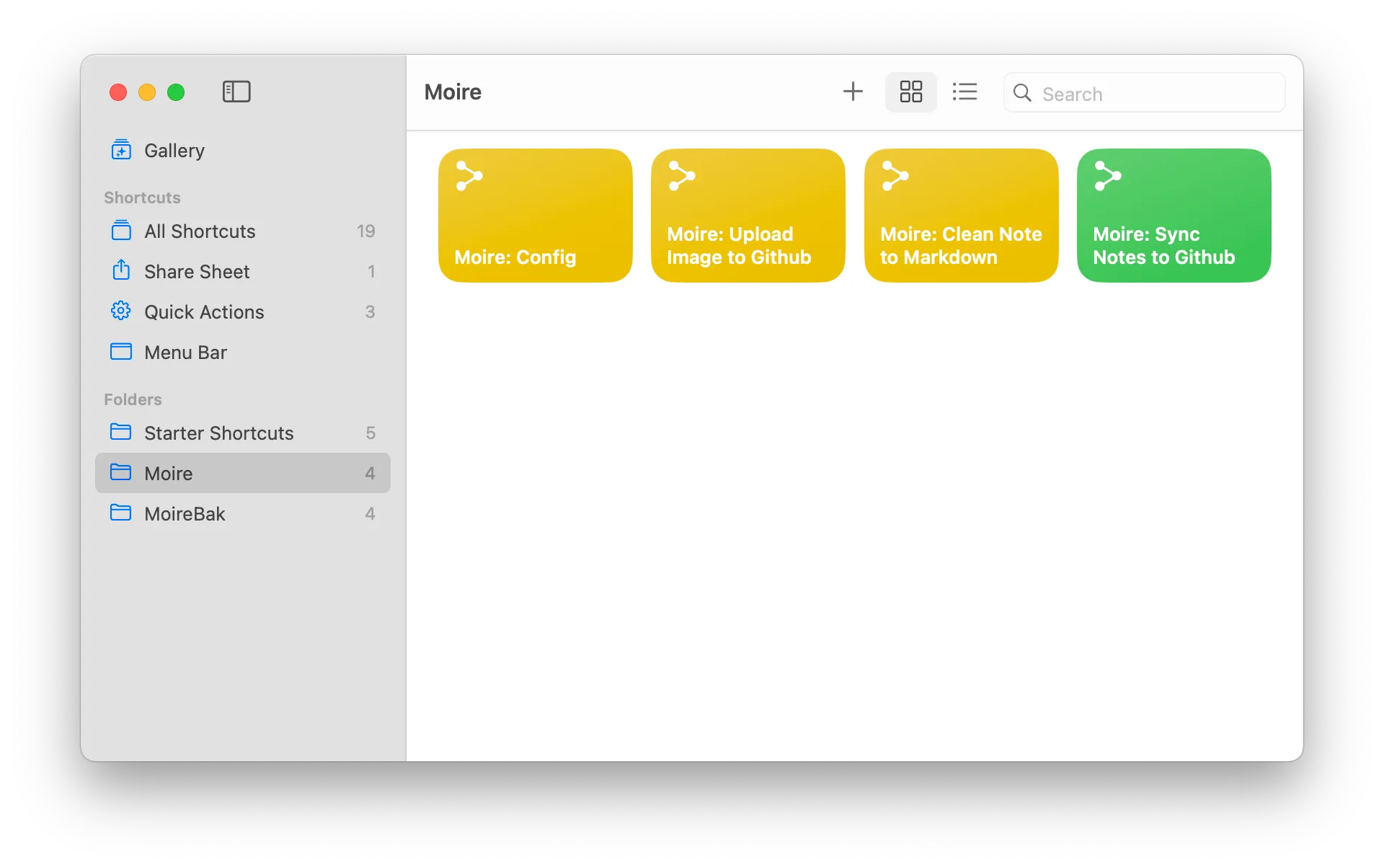
Done! You should see 4 new Shortcuts in your Shortcuts app.
Version Information
Section titled “Version Information”Current Version: v1.0.1 (2026-02-15)
Next Steps
Section titled “Next Steps”Once installation is complete, we need to set up Moire Config.